A tabbed Luau editor, account manager and Roblox client controls in one focused Windows workspace.
100% sUNC · 100% UNC
Windows 10 / 11 · x64 · Ember by defaultThe custom Phoenix header puts Editor, Accounts and Settings at the top. Choose a client and Attach from the lower toolbar, then keep scripts and output beside your work.
Try the editor, switch accounts, and explore settings. Sample data; desktop actions are simulated. Open full preview ↗
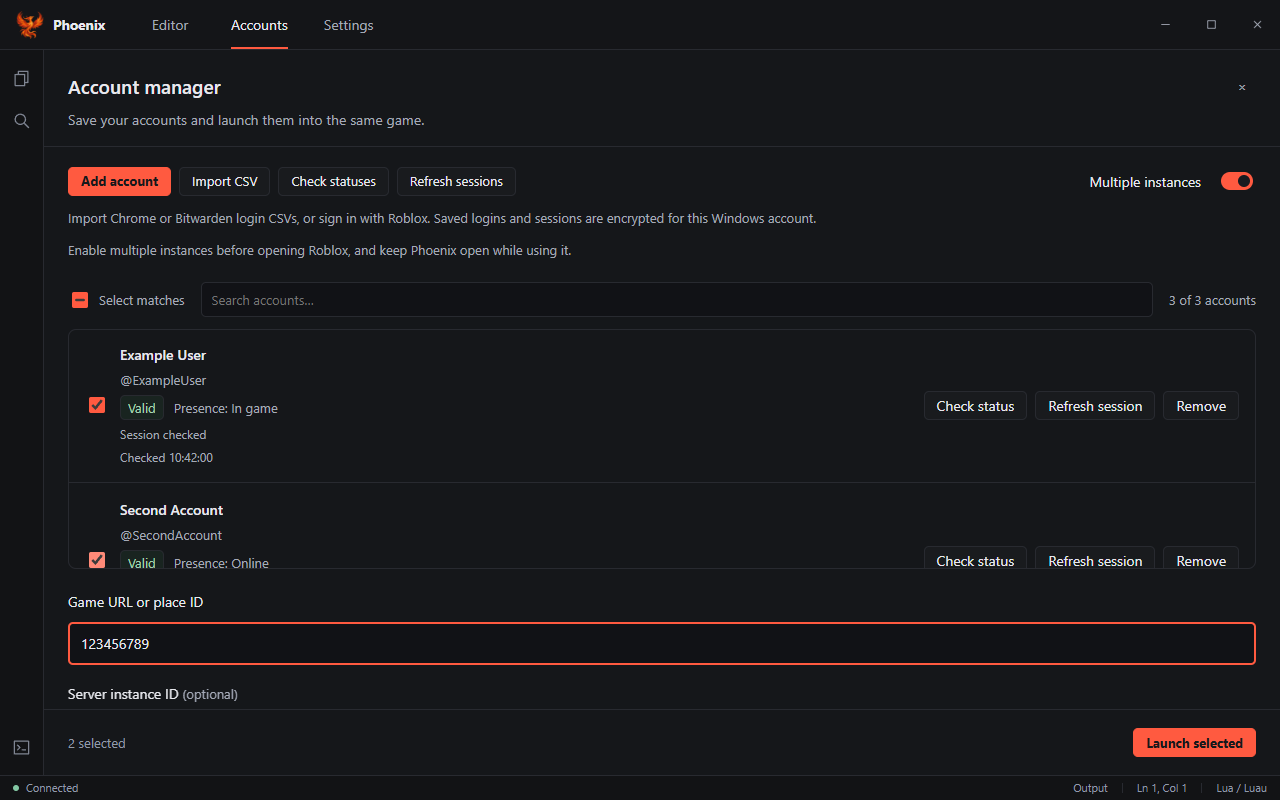
Import Chrome or Bitwarden login CSVs with a selection preview. Check session health and Roblox presence, refresh sessions needing sign-in, and queue selected accounts into the same game.
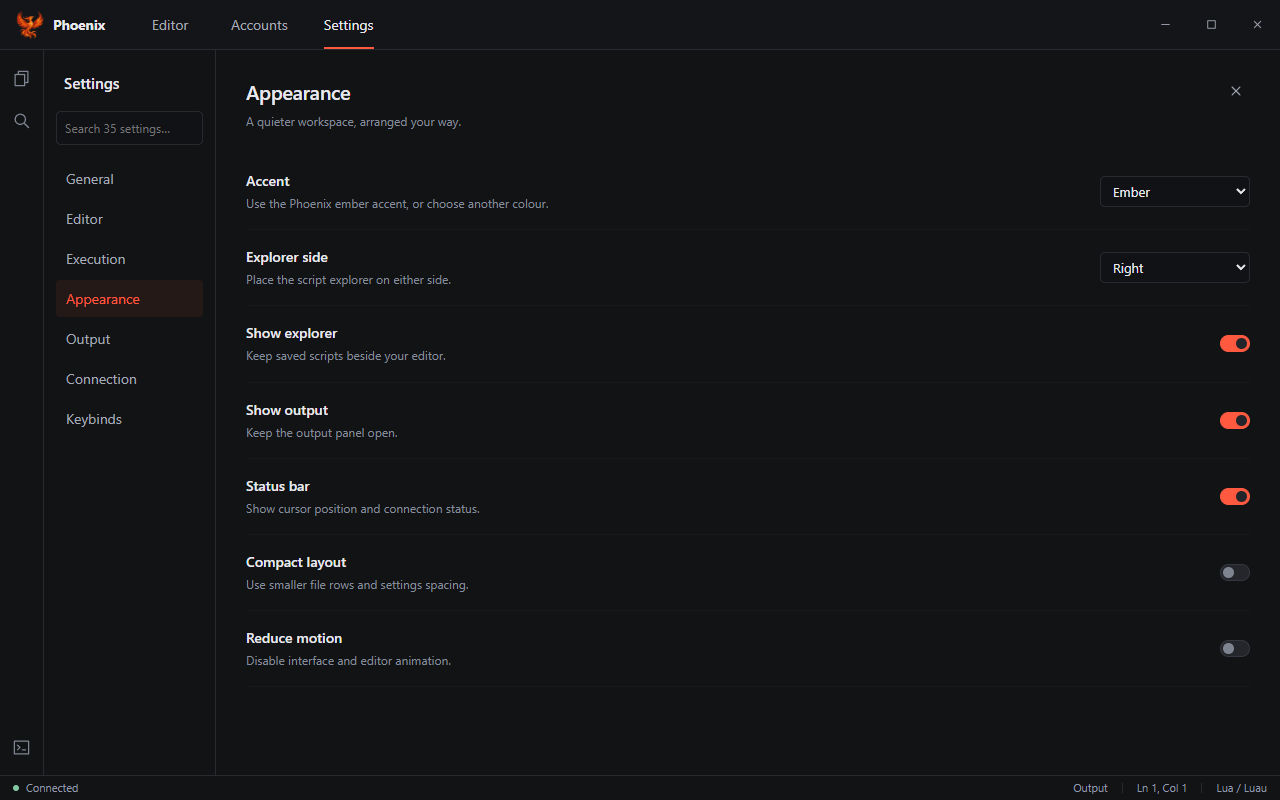
Search categorized settings for the editor, layout, output and connections. The chosen accent applies to switches, controls, navigation and editor highlights.
Get set up, select a client, and open your workspace.
grab phoenix-setup.exe. See the setup guide for runtime requirements.
the installer handles everything: install path, Defender exclusions, shortcuts. three checkboxes, one button.
Start a game, open Editor, select the intended client and choose Attach. Open a script and choose Run (F5). Read feedback in Output.
The updated guide covers installation, account imports, sessions and client launching.